Turn scattered reading into decisions you can defend.
You're deciding something that matters: a raise, a pricing change, a key hire. Your best thinking is buried in AI chats and tabs you'll never open again.
Misir:
- ✓Captures as you read and chat with AI
- ✓Shows where your sources disagree
- ✓Tells you when you have enough to decide
Chrome extension · Free while in beta · No card needed
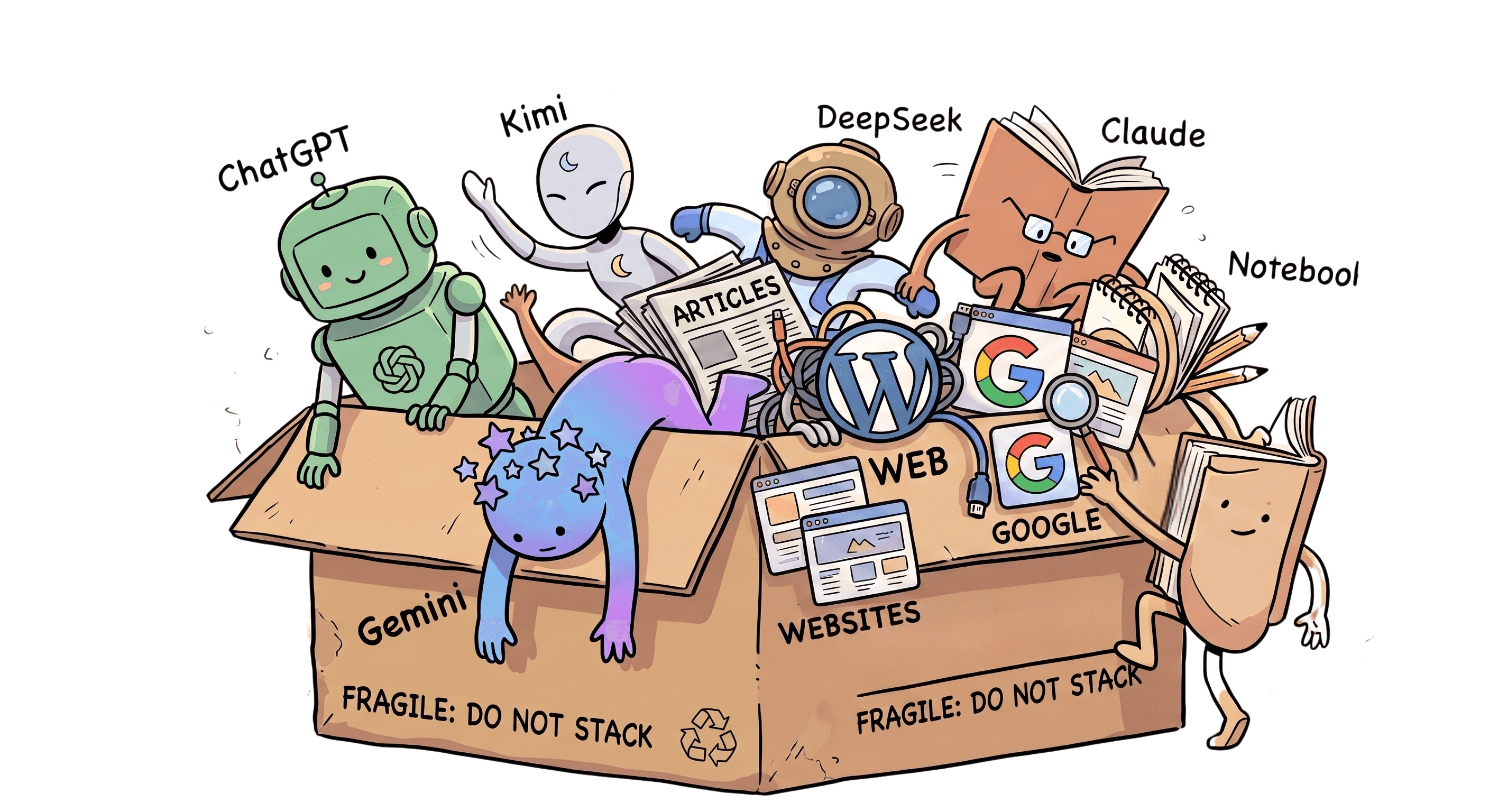
Twenty tabs. Four AI chats.
A decision that keeps slipping.
Everything you learn lives somewhere else: a ChatGPT thread here, a memo there, a founder's blog post you'll never find again. When it's time to decide, you can't see what you actually know, where your sources disagree, or what's still missing.
Misir keeps that ledger for you.
From open tabs
to a made decision.
Three quiet moves. You keep reading the way you already read.
Capture without thinking about it.
The extension reads the page on your device, matches it to the right space, and offers one-click save, mid-article or mid-AI-chat. No folders, no tagging, no copy-paste.
Watch scattered reading become a picture.
Misir compares sources against each other: where they agree, where theyconflict, and what none of them covered. It surfaces tensions and cross-space connections you'd never spot in a bookmarks folder.
Decide on evidence, not vibes.
A readiness score tells you how much of the picture you have. Knowledge gaps tell you exactly what to close before the deadline. When the ring fills,you're not guessing anymore.
Your reading is understood
on your machine, not our servers.
The semantic matching that decides "this page belongs to that decision" runs entirely in your browser, on-device. Pages you don't save are never sent anywhere. Capture is opt-in per purpose, Global Privacy Control is honored automatically, and everything you've stored can be erased in one click.
What Misir notices for you
Where sources differ
Every space tracks its central disagreement, and which side your evidence actually supports.
Connections across spaces
A capture in one decision often answers a question in another. Misir links them.
Nudges with consequences
Not "3 unread items," but "your evidence is one-sided and your deadline is Friday."
Capture rhythm
See when you're doing the work, and when a decision has quietly gone cold.
Knowledge gaps
Severity-ranked holes in your evidence, each with a concrete way to close it.
Ask Misir
Chat with everything you've captured. Answers cite your own sources, not the open internet.
What people ask
before they start.
Articles and pages, AI chat threads (ChatGPT, Claude, Gemini, Perplexity, DeepSeek, Grok, Copilot, NotebookLM, Kimi), PDFs, and posts — one click, no folders or tagging. Misir reads the page on your device and matches it to the right space and subspace automatically.
Both, for different jobs. The extension is how anything gets captured as you browse or chat with AI. The web app is where you review what you've gathered, see where your sources disagree, and decide. Neither one does much without the other.
Any Chromium-based browser — Chrome, Edge, Brave. Firefox and Safari aren't supported yet.
The matching that decides which space a page belongs to runs entirely on-device — nothing is uploaded to make that call. Capture itself is opt-in per purpose (web pages and AI chats are separate toggles, both off until you turn them on), and Global Privacy Control is honored automatically if your browser sends it.
Yes, in one click from Settings — export a full copy of your data first if you want it, then permanently erase your account. Nothing lingers.
Bookmarks and docs don't tell you when your sources disagree, what's still missing, or when you actually have enough to decide. Misir tracks all three automatically, across everything you've captured for a given decision.
Free for beta users, no card required. We'll tell you well before anything about pricing changes — no surprise charges.
Your next decision deserves the full picture.
Beta spots are free · No card · Your data stays yours